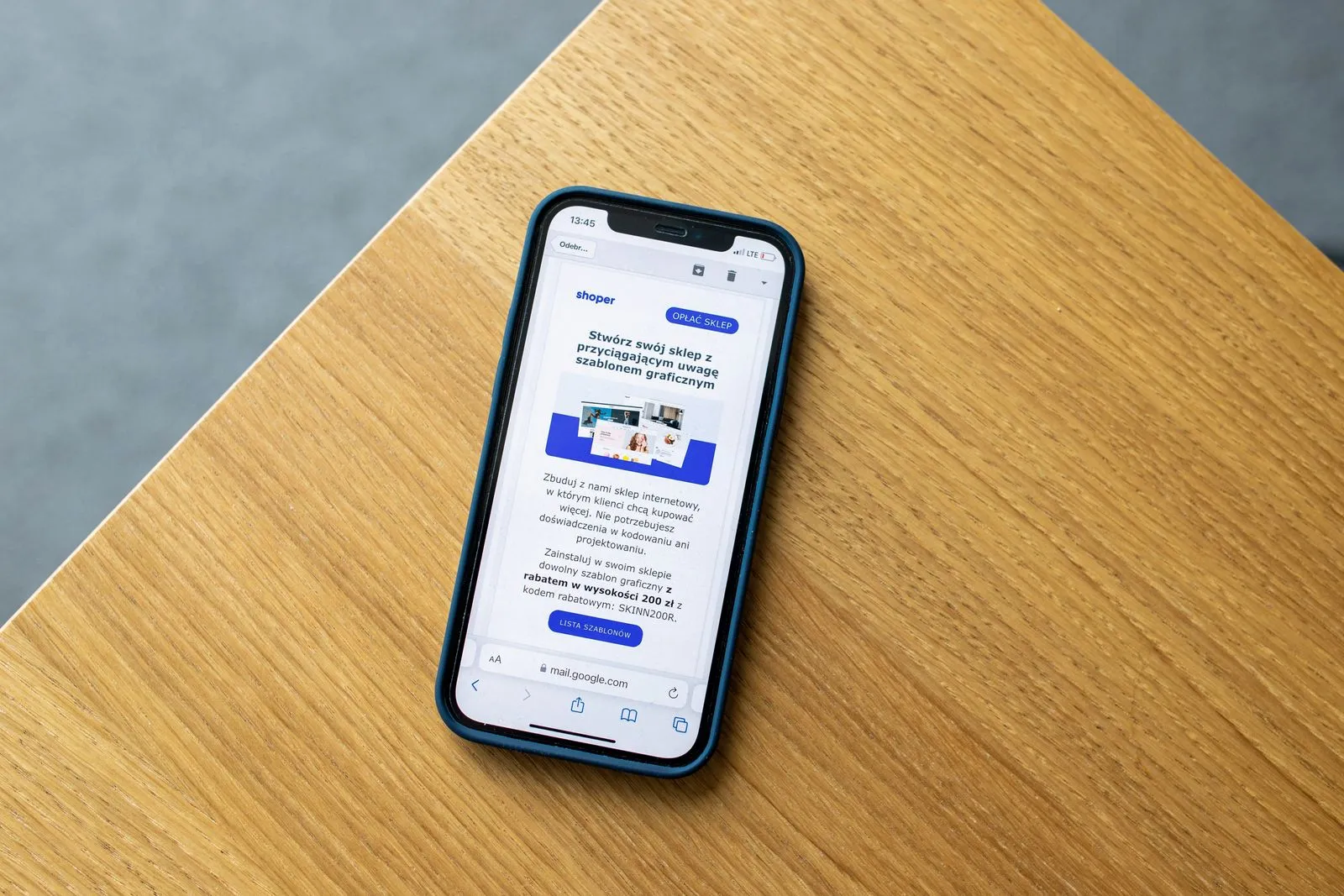
A welcome series gives new subscribers a guided introduction to your store. Instead of sending one generic message, use a short sequence to explain what makes your brand useful, address the concerns that can delay a purchase, and point shoppers toward a relevant next step. Start with a clear purpose for each email, then tailor the timing and content to your products and audience. The result should feel like helpful guidance, not a string of sales pitches.
Set Up the Series
Trigger the series when someone joins your marketing list, and confirm that the signup form sets clear expectations about what they will receive. Use a welcome email promptly, then space follow-ups so subscribers have time to read and browse. A simple starting plan is three or four emails over several days, but adjust it to your buying cycle. A considered purchase may need more education than a low-cost, familiar item.
Before writing, choose one goal for each message: introduce the brand, help the shopper evaluate products, or invite a first order. Keep the series focused on subscribers who have not purchased, and stop or change the sequence when they do. Check that your email platform applies consent preferences and unsubscribe requests correctly. Clear setup prevents duplicate messages and keeps the experience relevant.
Email One: Make a Strong Introduction
Send the first email soon after signup. Thank the subscriber, state what your store offers, and explain what makes your products or shopping experience distinct. Be specific: mention the customer need you serve, the types of products available, or the values that shape your selection. Avoid a long company history. A concise introduction helps readers quickly decide whether your store is right for them.
Give the reader one useful next step, such as browsing a best-selling category or exploring a starter collection. If you offer a welcome incentive, state its terms plainly, including any minimum purchase, expiration, or exclusions. Make the offer easy to find, but do not let it replace the brand introduction. Use a clear call to action and make sure the linked page matches the promise in the email.
Email Two: Answer Buying Questions
Use the next message to resolve practical uncertainties that might prevent a purchase. Choose questions based on customer service conversations, product reviews, search behavior, and abandoned carts. Common topics include sizing, materials, compatibility, care, shipping, returns, and product differences. Address only the questions that matter for your catalog, and link to detailed guidance when a full explanation would make the email too long.
Help shoppers compare options instead of simply repeating product claims. For example, explain which item suits a particular use or point out the details a buyer should check before ordering. Use accurate product information and keep policies consistent with the store’s current terms. If you include customer feedback, use genuine, approved reviews and provide enough context for readers to understand what the feedback applies to.
Email Three: Guide the First Purchase
Once subscribers understand the offer and have answers to key questions, make shopping easy. Feature a small, relevant selection rather than an overwhelming catalog. Organize recommendations around a need, product type, or popular collection, and include helpful details such as fit, use, or what comes in the package. Link each item to its product page so readers can review specifications and policies before deciding.
Close with a direct but low-pressure invitation to shop. If you use an incentive, explain when it ends only when that deadline is real, and avoid implying savings that do not apply to the subscriber. Add a final reminder of useful reassurance, such as where to find shipping or return information. Keep the call to action prominent, and make sure the message reads clearly on a phone.
Measure and Improve
Review performance across the entire series, not just individual email opens. Track clicks, first purchases, revenue where available, unsubscribes, and spam complaints. Compare results by signup source or subscriber group when you have enough data to make a meaningful comparison. A message with many clicks but few purchases may point to a mismatch between the email promise and the landing page, or to unanswered concerns about the product.
Test one change at a time, such as the subject line, send delay, featured collection, or call to action. Keep a record of the version and the audience so you can interpret results fairly. Also check links, discount rules, mobile layout, and product availability before each campaign update. Refresh the series when your catalog, policies, or customer questions change.
A useful welcome series introduces your store, removes uncertainty, and helps subscribers find a product that fits their needs. Give each email one clear job, support claims with accurate details, and review the path from signup to purchase. Start with a simple sequence, then refine it using customer questions and campaign results. For tailored support, Coastal Commerce can help you plan an ecommerce email program.